Once a candidate has been rejected, you will now have the option to mark them as "flagged". This can be used for candidates who you do not intend to consider should they make any future applications.
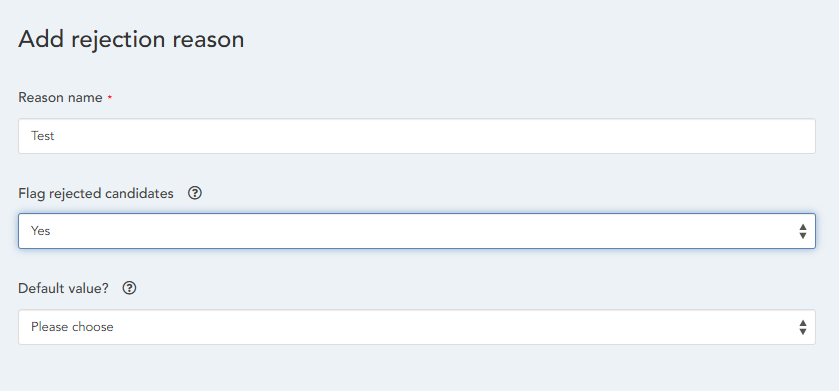
To flag a candidate, you must first add or edit a Rejection Reason under
Administration > HR > Data Management > Recruitment > Rejection Reasons
Here, you will have the option to configure a rejection reason to automatically flag a candidate when they are given that reason.
If a candidate is rejected using a flagged rejection reason, and then subsequently re-applies with the same details, the new candidate application record and each subsequent candidate application record will also be flagged.
Subsequent records are recognized and flagged if all the following details match a previously flagged candidate:
- First name
- Surname
- Personal email
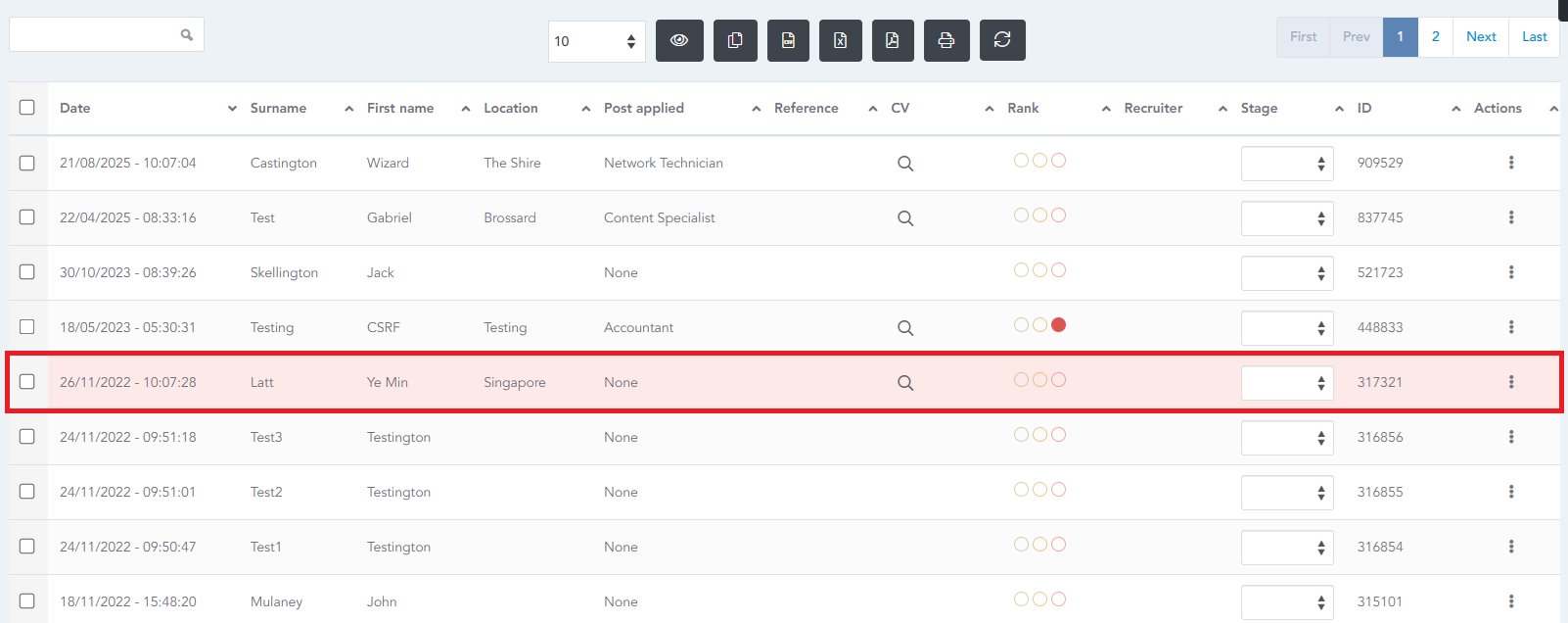
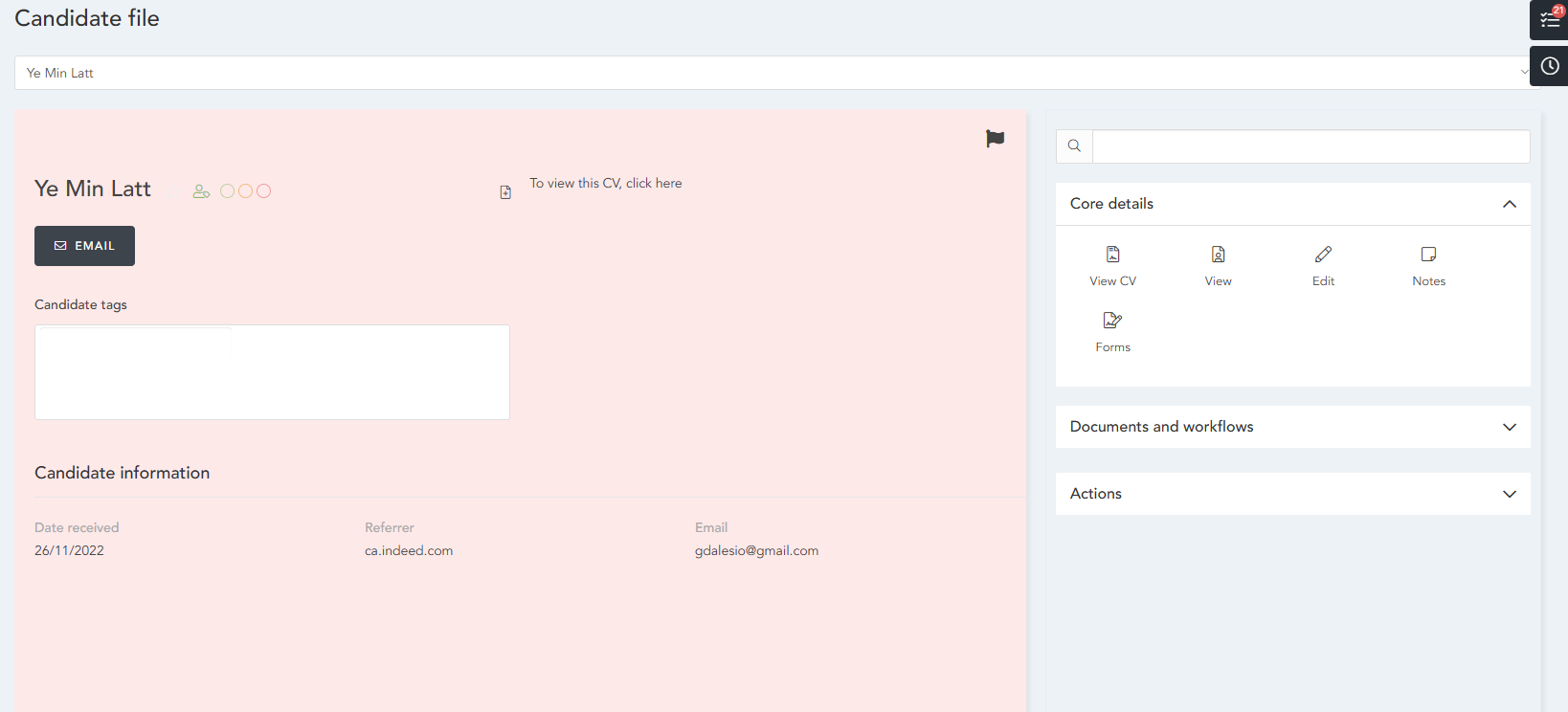
Flagged candidates are displayed with a red highlight on the card, table and grid views of the candidate list. Flag icons are also displayed in the card and grid views.
HRWize
Comments