What to expect upon first log in to your HRWize account post IDS migration.
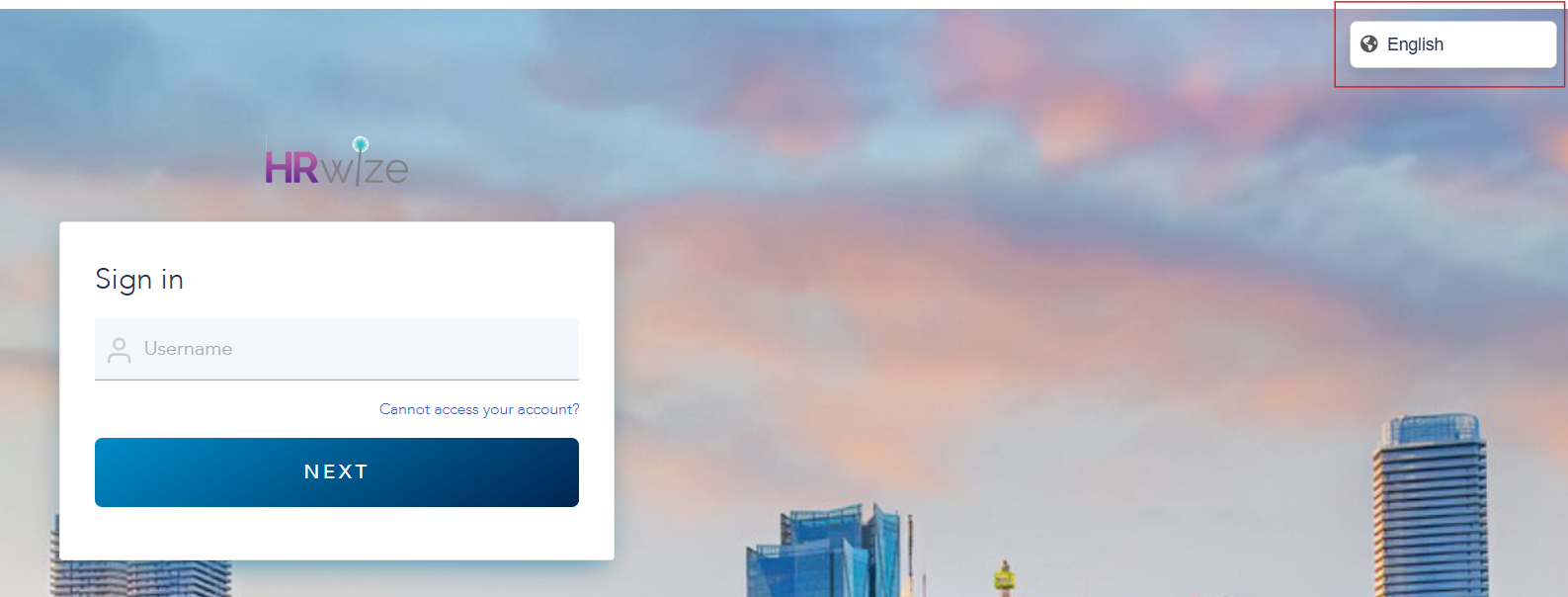
As mentioned in previous communications, there should now be a "redirect" to IDS which means when login in to HRWize via login.hrwize.com/login, you will see your browser URL change before it gets to your official log in page. From here you could pick your language (top right) and then enter in your user name and password. It's important you select the proper language, as this will apply to your HRWize profile once logged in. Your language preference will be kept for future logins.
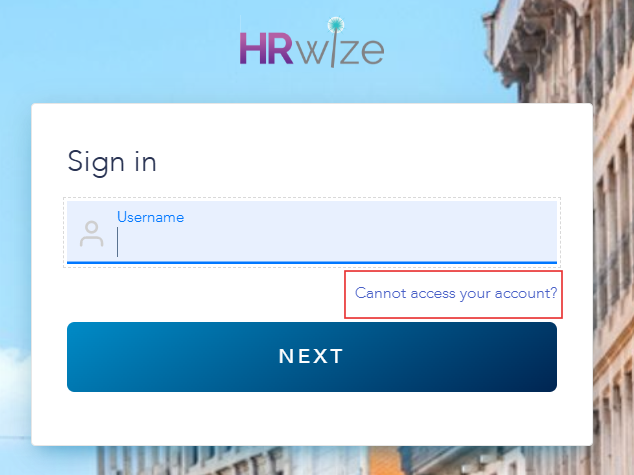
If you have forgotten your password, you should now be able to reset and resend the option to change this without an administrator.
Important: Please clear browser cache before signing in. ** and it is very important to SIGN OUT of your account at the end of your session.
SSO Connections
This will look different for SSO users as your connection should not require a password once you are signed in to your SSO. Please also note that if you are set up for SSO, SSO login will become default for all users of your environment. If you do not wish for this to be the case, please send us a list of whitelisted corporate domains which will default to SSO - all other domains will not require SSO logins.
User Management via Portal
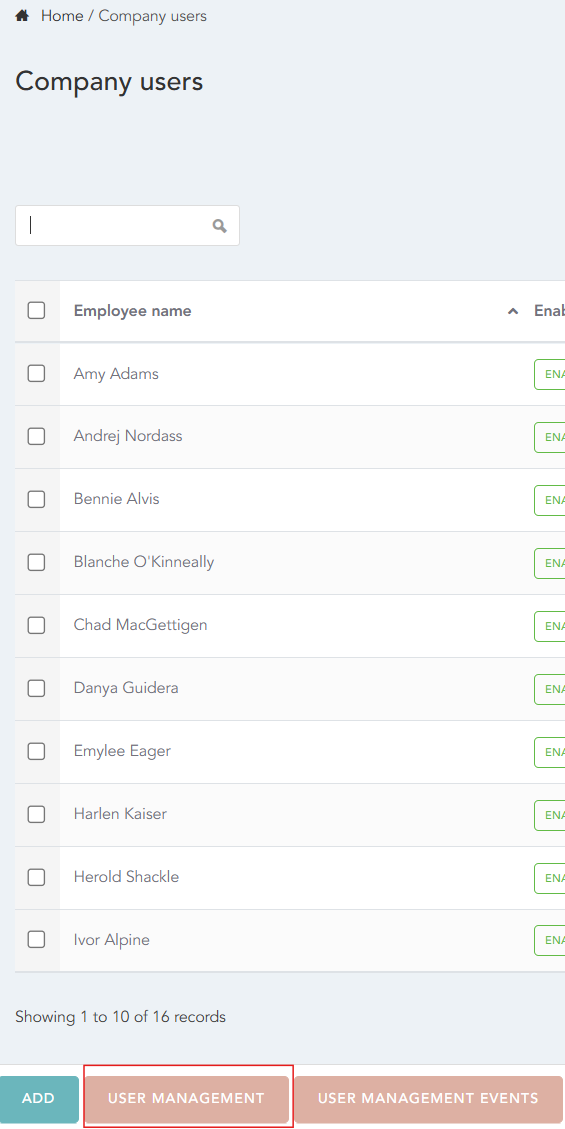
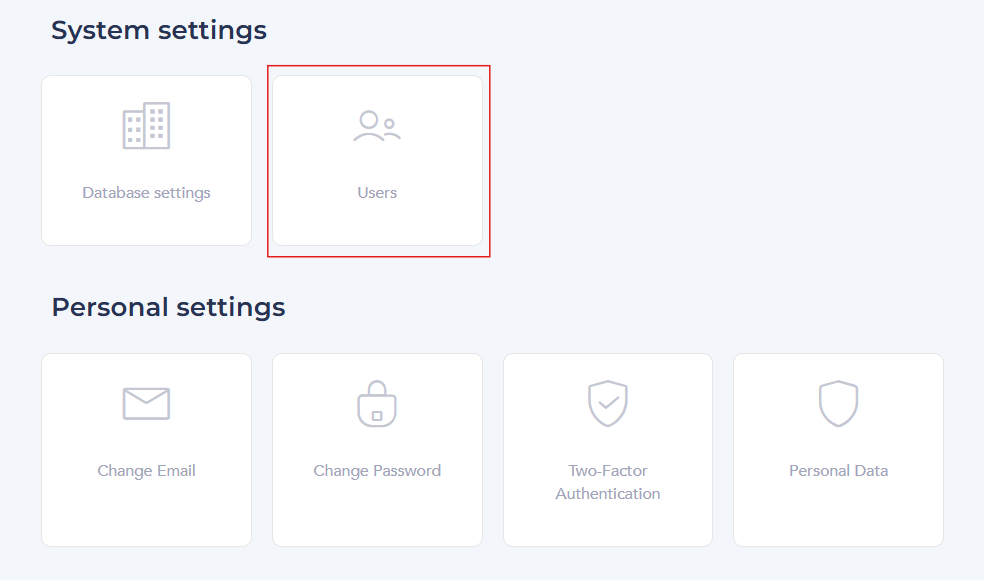
You will also see a change in the USERS page. You can now manage your users from the IDS portal. Once on the user’s page click on "User management" . Once on this page you will have the entire list of users within your organization.
From here, you can turn on 2FA for individual users (if required), you can also reset passwords with a link from this page as well (to be used or shared with the user in question). Keep in mind users now have the ability to reset their own passwords. Please be very vigilant not to DELETE anything on these pages. Similarly to the rest of your account, we strongly suggest you avoid deleting any information as we are unable to recover anything officially deleted.
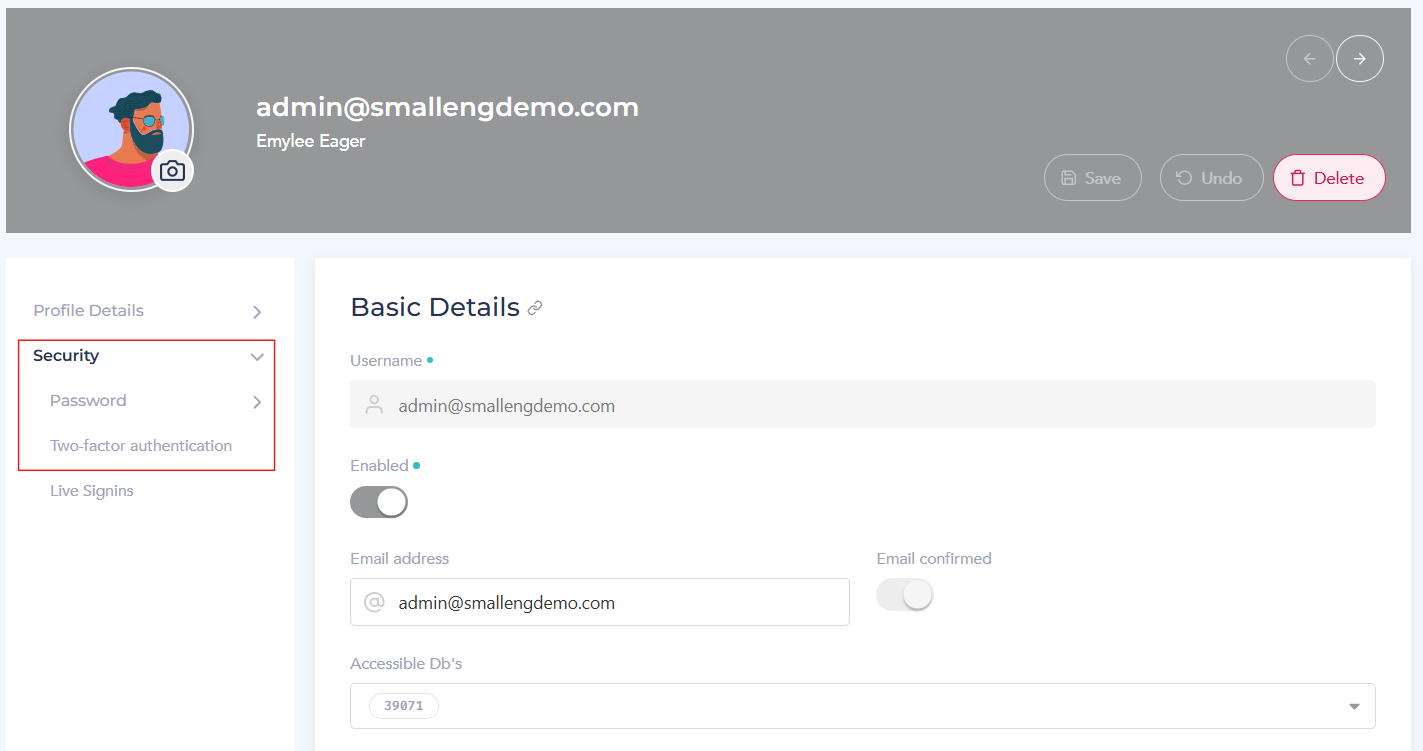
NB. Email addresses can only be used once and cannot be duplicated across any HRWize accounts. This will cause error messages. This can also be managed via the User Portal as needed.
HRWize
Comments